
Know what is safe to spend this month.
Plan category limits, track everyday spending, and keep your family budget private on device and in your personal iCloud account. FamilyFund is built for monthly control, not spreadsheet overhead.
Why families use FamilyFund
The product message is simple: control spending month to month, keep categories clear, and avoid losing visibility when life gets busy.
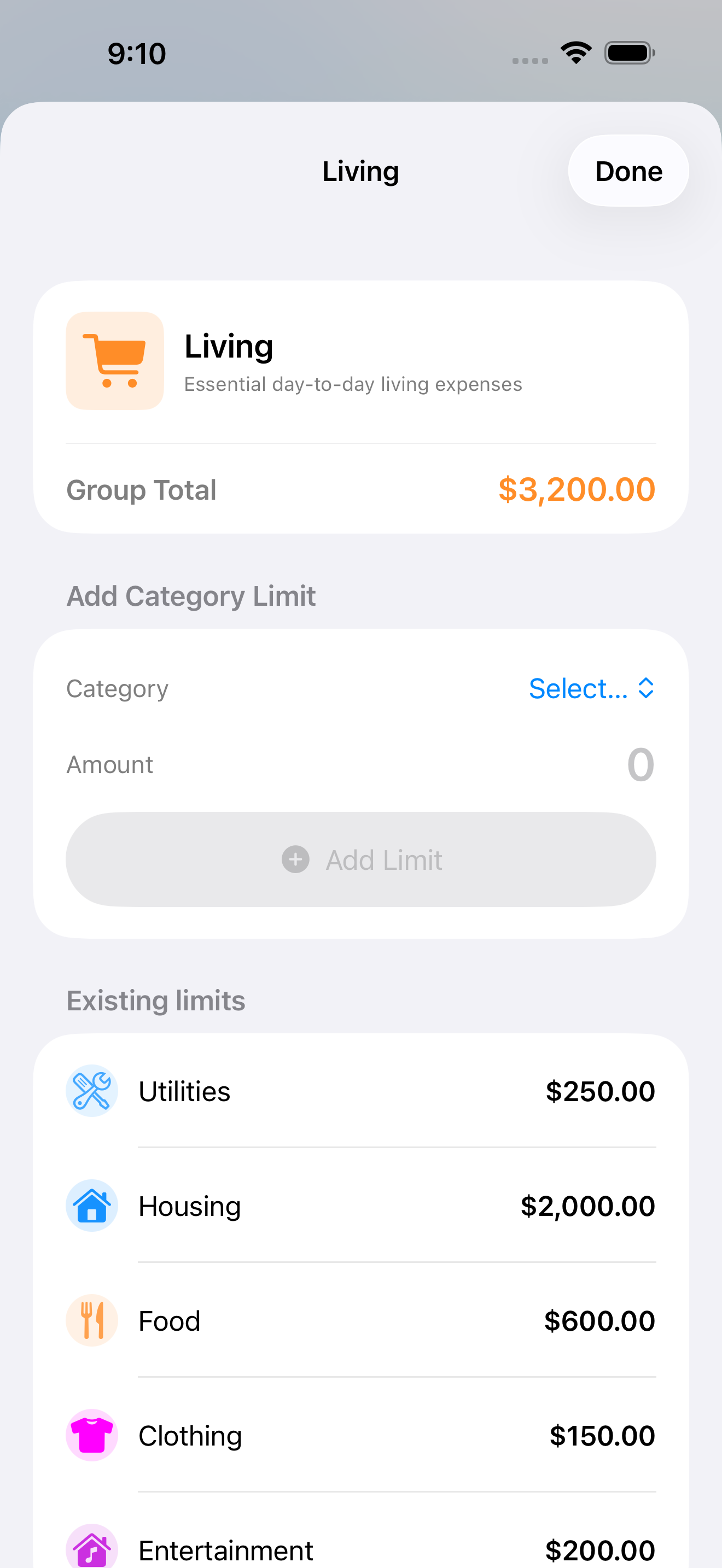
Plan by real-life categories
Set budgets for food, housing, kids, bills, travel, or any custom category you actually use in daily life.
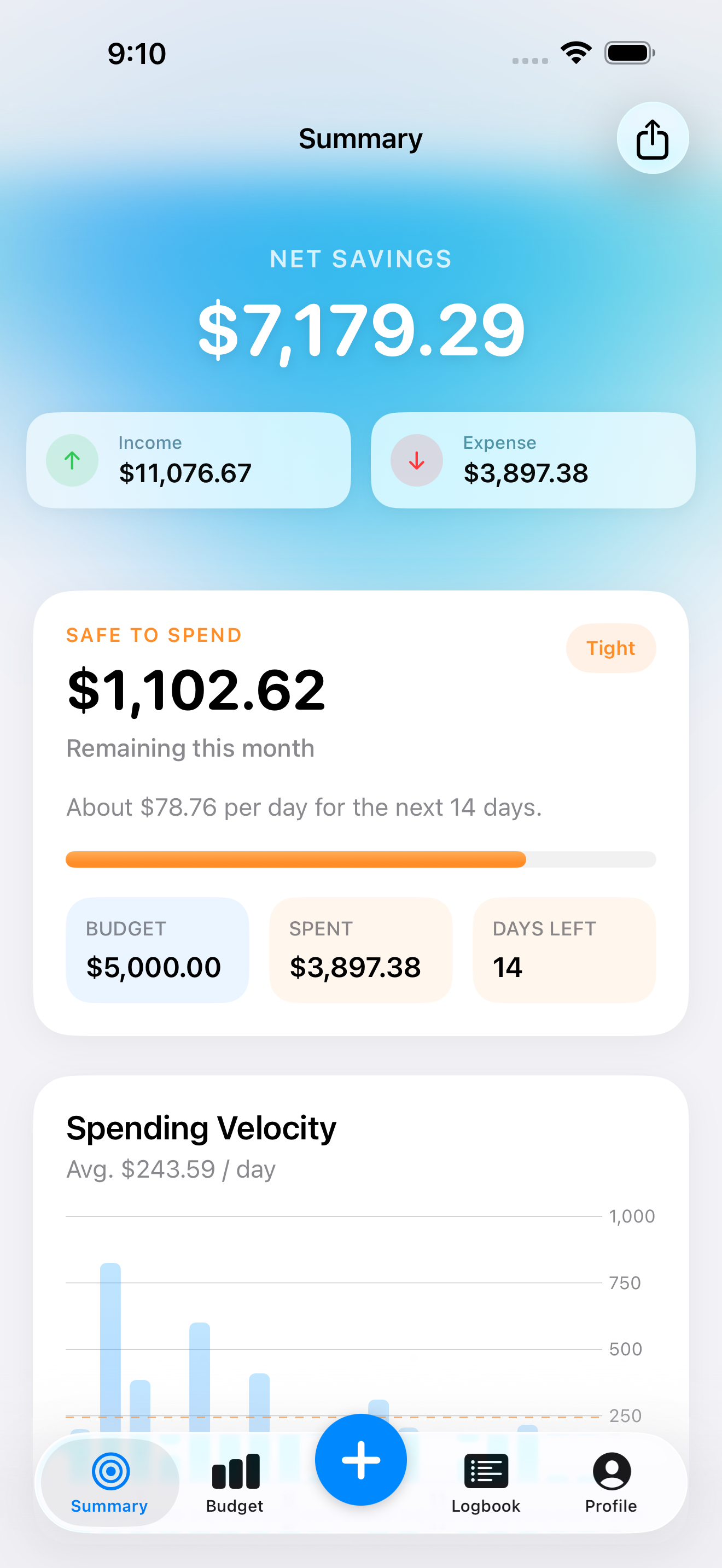
See the room left this month
Review what has already been used and what still looks safe before the month drifts off plan.
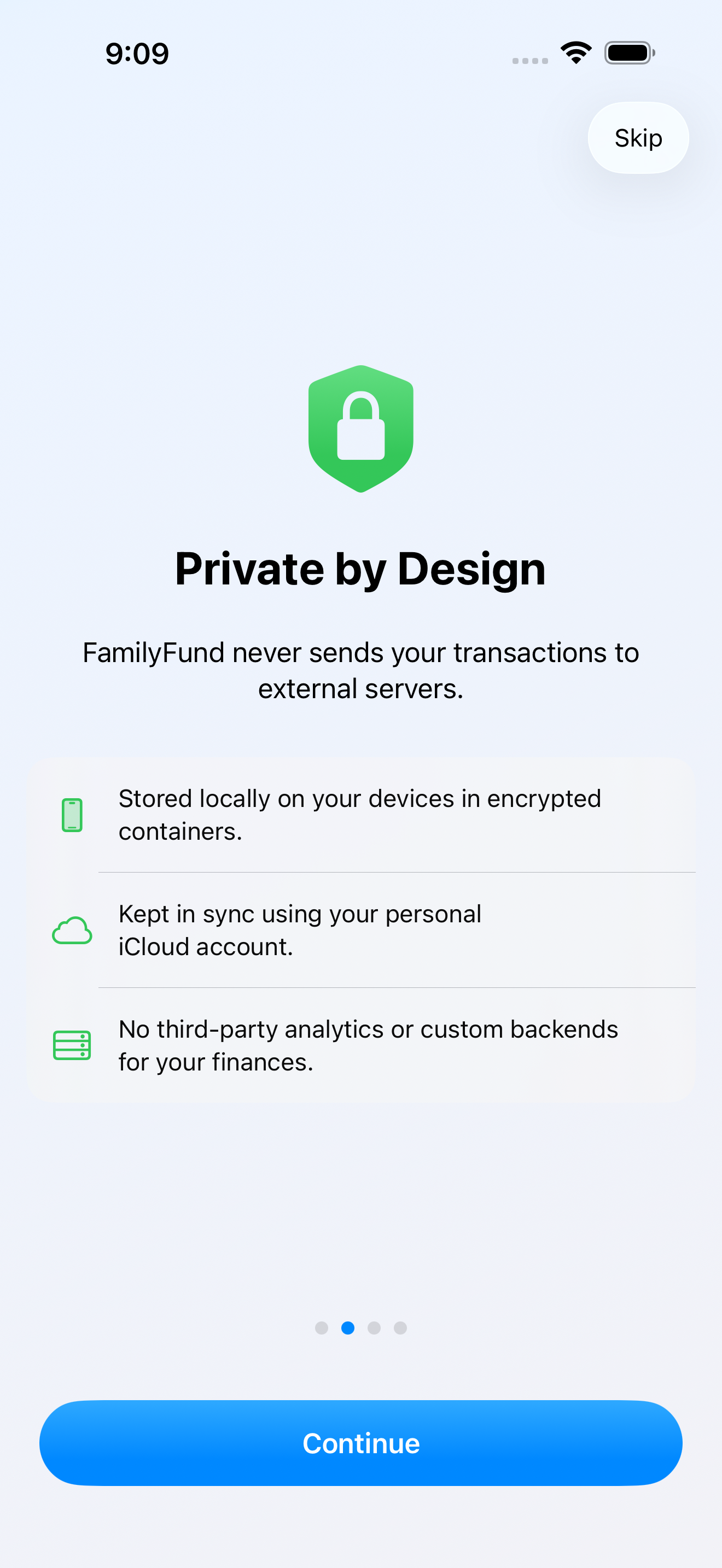
Keep the ledger in your own Apple ecosystem
FamilyFund does not run its own ledger backend. Core budget data stays on device and, if enabled, in your personal iCloud account.
How it fits real monthly budgeting
FamilyFund is designed around the basic loop most households repeat every month.
Define the month before it gets noisy
Create category budgets and decide what “normal” should look like for the month ahead.
Keep the daily picture current
Log income and expenses fast enough to keep the budget usable, not theoretical.
Make calmer decisions with current numbers
Use the summary to understand where the month stands before you spend more, export reports, or share numbers.
Premium is for exports, deeper review, and long-term use.
FamilyFund keeps the core story simple and leaves pricing, offers, billing, and subscription eligibility to Apple's purchase flow. Annual is the stronger long-term value plan when you use the app as your regular monthly budget tool.
The App Store shows the live monthly and annual plans, current pricing, and any available introductory offers.
Premium supports higher-value workflows like exports and deeper review when you need to keep or share clear summaries.
Trust and product details
What the app does and does not do should be easy to understand before download.
Personal iCloud account
When sync is enabled, FamilyFund uses Apple's CloudKit infrastructure linked to your own Apple account.
App Store subscriptions
Apple processes premium billing, renewals, cancellation, and refunds through its standard account systems.
Direct email help
If something breaks or feels unclear, use the portal and email support with screenshots and the exact issue details.
Private family budgeting without a cluttered finance stack.
If you want a cleaner monthly budget view, category-based planning, and a product that keeps core data inside your Apple environment, start with FamilyFund.